3 Simple Steps From Signup to Your First Lesson

You don't need technical knowledge, installation, or long contracts to start teaching on Vedubox Tutor. Create your profile, plan your lesson, get paid — that's all.

Create Your Profile
Step 01
Create Your Profile
Sign up for free; set up your tutor profile and virtual classroom in 2 minutes. No setup, technical knowledge, or credit card required.
Ready in 2 minutes
No technical knowledge needed
No credit card required
Step 02
Plan Your Lessons
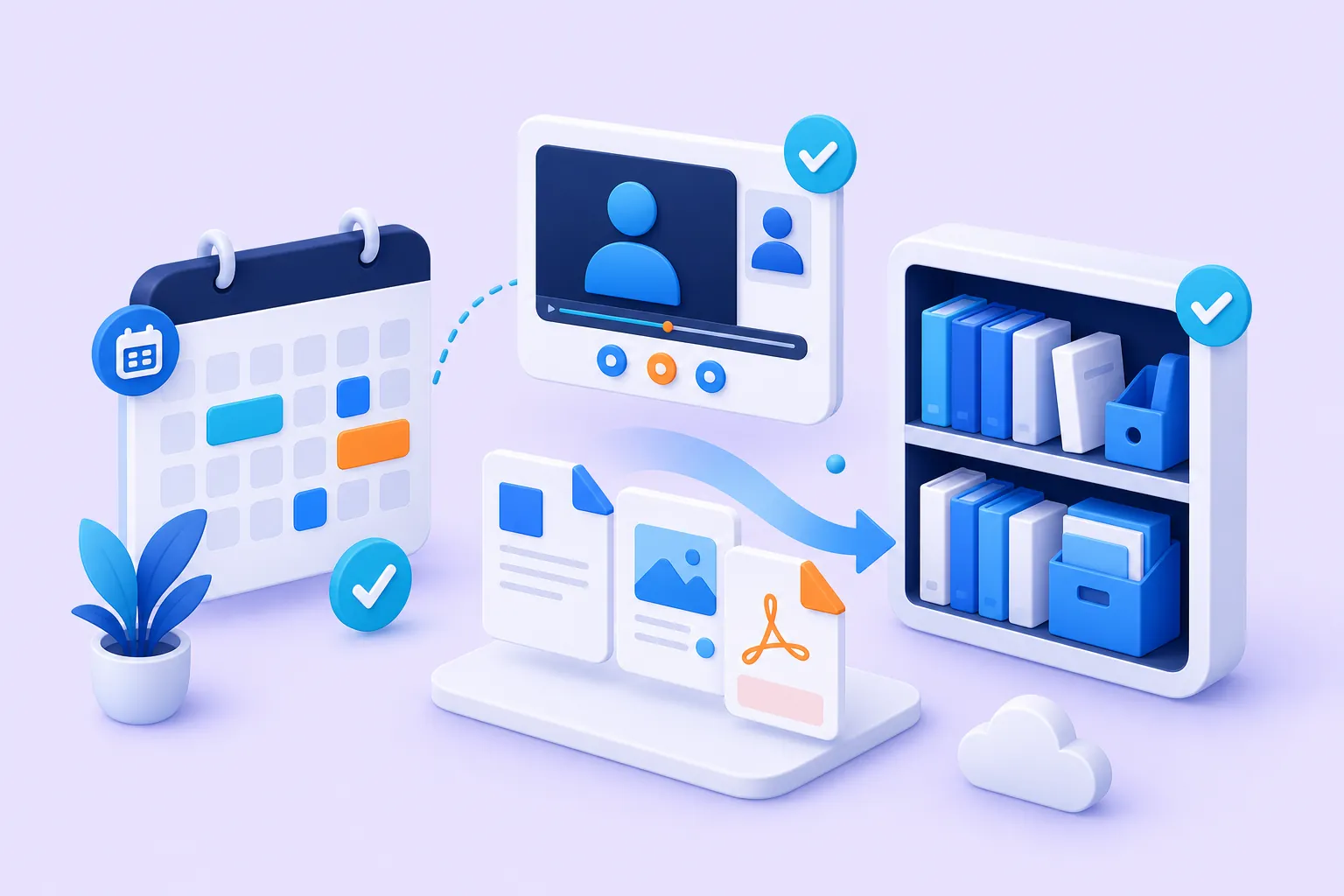
Create your lesson packages, upload your materials, and organize your calendar. Live lesson or video-recorded course — you decide.
Live lessons & video courses
Calendar management
Material library
Plan Your Lessons
Invite Students
Step 03
Invite Students, Get Paid
Share your listing link; let your students pay online and get automatic access to the lesson.
Secure online payments
Automatic lesson access

Usage Tips

For Tutors

Vedubox Tutor - Using the Tutor Account
Vedubox Tutor - Creating a Live Lesson With a Tutor Account
Vedubox Tutor - Adding Students to the System With a Tutor Account

For Students

Vedubox - Private Tutoring System Student Account Usage
Vedubox Tutor - Joining a Live Lesson With a Student Account
Vedubox Tutor - Taking Exams With a Student Account

Set Up Your Classroom in 5 Minutes and Start Right Away

Thanks to Vedubox Tutor's cloud infrastructure, create your tutor profile and start teaching right away without dealing with complicated setups.

Video promo image
4.9
User Satisfaction
The highest-rated learning management system among tutors and teachers.
10x
Speed and Efficiency
10x time savings in lesson planning, receiving payments, and exam grading.
11
Integrations
Works with popular tools including Zoom, Teams, Meet, Webex, Stripe, and PayPal.

Get Clear Answers to Every Question

Explore frequently asked questions about Vedubox Tutor; all the details about setup, usage, student panels, and membership plans are here.
Support illustration
Have another question?

The Vedubox Tutor team is happy to answer your questions. You can get in touch with us right away.

Contact Us
Do I need to install anything to use Vedubox Tutor?

The system is built on a cloud architecture, so no installation is required. You can start the free trial and make a purchase from within the system.

Will students pay any fee when signing up for Vedubox Tutor?

Students don't need to pay any fee when signing up for Vedubox Tutor. All applications are offered to students free of charge.

Can students use it on mobile?

They can use it from the mobile app and from a mobile browser. It can be used from all devices.

What does Vedubox Tutor offer teachers?

Vedubox Tutor offers everything teachers need to give private lessons in one place. With virtual classroom management, interactive learning, exams, tests, quizzes, surveys, certificates, and many other features, it is a platform developed for private tutors, instructors, and coaches.

Is the system in Vedubox Tutor private to me or open to everyone?

The Vedubox Tutor system is created entirely for the individual tutor. Content in the system can only be viewed by authorized people/students who log in.

Why should I move my Zoom, Microsoft Teams, or Google Meet lessons to Vedubox Tutor?

You can use Zoom from within the system, and you also benefit from Vedubox Tutor's extra features. You can run advanced exams, deliver and manage your learning content in an organized way, and also use many other features such as surveys, interactive learning, and customized certificates.

Digitize your lessons and start earning right away

Manage all your private lesson processes from a single panel. Start your free trial today.

Virtual Classroom
Live Lessons
Online Payments
Lesson Packages
Integrated Calendar
Student Reports
Quiz & Exams
Certificates
Vedubox Tutor