

Does a Certificate Really Motivate?
A certificate doesn't have the same effect on every student. We discuss when it's meaningful, when it's just an empty piece of paper, and how you can make it more valuable.
A tutor's job doesn't end with the lesson hour. We explain what managing your calendar, messages, and homework from your phone is good for and where it falls short.
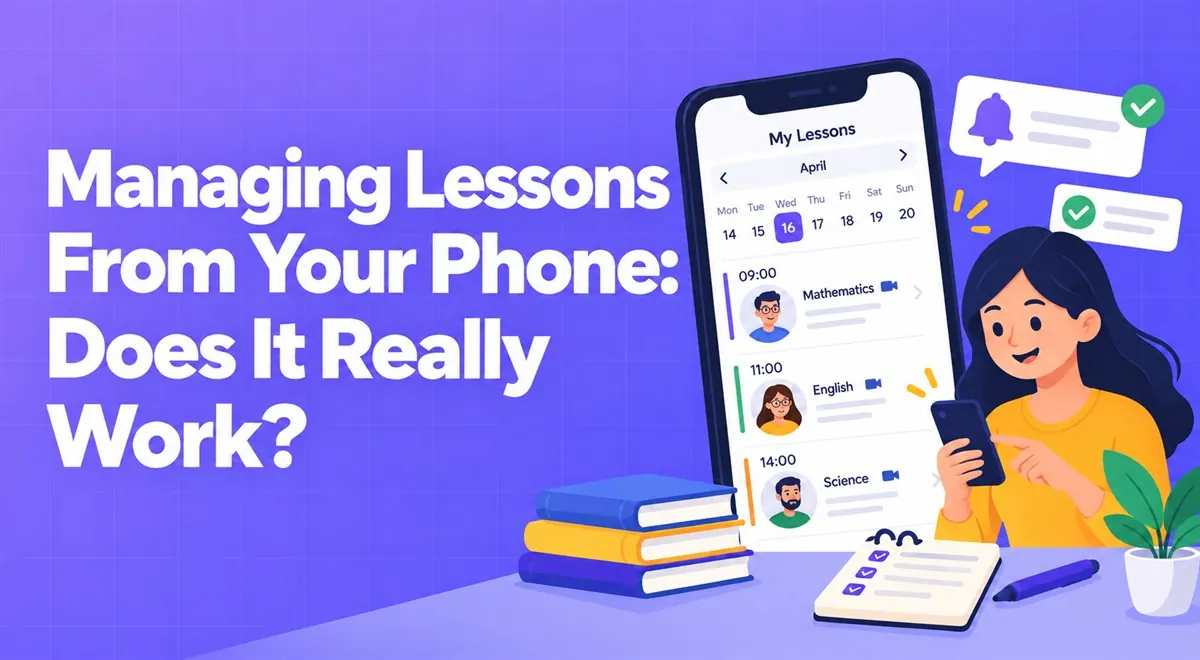
Most of us spend most of the day not at a computer but on the move. After a lesson a student's message arrives, on the bus you see a homework notification, at dinner you need to remember tomorrow morning's lesson. The phone is tailor-made for these small tasks, but not for every task.
Small, quick, frequent tasks. Checking tomorrow's lesson time, seeing whether a student turned in their homework, giving a short reply to a message, opening an exam result. Being able to do these without opening the computer lightens the load in your head.
Preparing a long lesson plan, writing a comprehensive report, organizing an exam question pool. These tasks need a large screen and a keyboard. Anything done on a phone should be doable "quickly"; otherwise unnecessary mistakes and fatigue appear.
The phone is very important for students too, especially in the high school and adult groups. Seeing homework on the bus, opening the lesson link from the phone, watching a recorded topic on the way — all of it should be possible. For this, prepare your materials to be mobile-friendly: PDFs readable on a small screen, videos that aren't too long, tables that don't overflow a narrow screen. Try opening a file on your own phone and reading it yourself; see what the student will encounter.
The phone's biggest advantage is notifications, and its biggest harm is notifications. A separate buzz for every homework submission and every message leaves you with a fragmented mind. Gathering notifications and checking them a few times a day, or defining "do not disturb" hours, protects both you and your students. Tell your students your messaging hours too.
Vedubox Tutor's mobile app, as described on the home page, is available for both tutors and students; it lets you follow class management, the lesson calendar, exams, and homework from your phone. You can get the app from the App Store or Google Play. The platform's frequently asked questions section also states that students can use it from the mobile app and a mobile browser. Try for yourself after installing which operations can be done on mobile; we don't list all the details in this article.
For one week, try this rule: do the daily lesson and homework check from your phone, and reserve long preparation work for the desk. You'll find through your own experience which tasks suit the phone and which don't.
Being reachable at all times is attractive for students and parents but can cost you dearly. Being able to manage from your phone is a convenience, not an obligation. There's nothing wrong with saying "I don't reply after nine in the evening."
This article was prepared by the Vedubox team. For more information about Vedubox Tutor and our other products, you can visit vedubox.com.


Related content, tips, and updates to deepen your understanding and help you discover new ideas