
Holding the Attention of a Student on the Other Side of the Screen
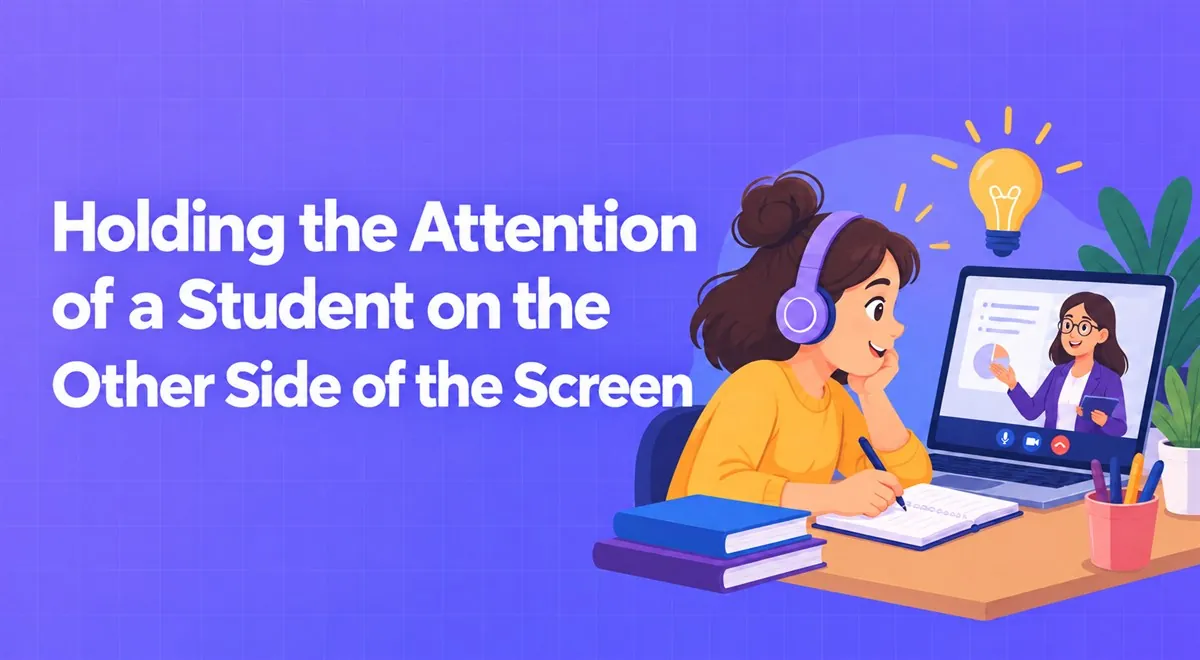
Attention is more fragile in online lessons than in the classroom. Short interaction breaks, tasks, and the right pace make it easier for the student to stay engaged on screen.
Code is learned by writing, not by watching. Working with small projects, teaching debugging, and following up on homework make coding lessons effective.
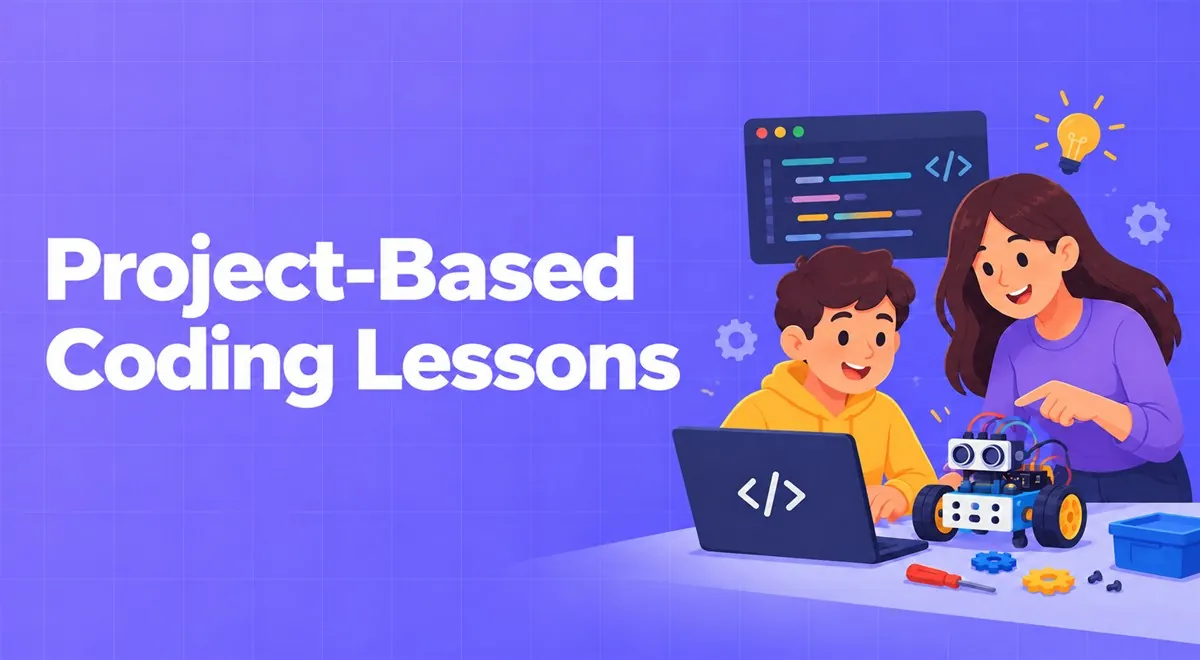
You can teach a coding lesson by showing slides for hours and the student can take notes. But if the next day they open an empty file and don't know what to do, the lesson hasn't worked. Code is like swimming: you can't do it without getting in the water.
Have the student end the first lesson with a small output they can say "I made this" about: a web page, a small calculator, the start of a game. This small success feeds the desire to overcome later difficulties. Instead of explaining syntax from start to finish, starting with a small working example and explaining what does what afterward is often more effective.
Write code together. If you make a mistake, don't hide it; making and fixing mistakes is the natural flow of programming. Say your thinking out loud: "A loop is needed here because I'm doing the same thing several times." When sharing your screen, keep the font size large and make sure the student can read it. On Vedubox Tutor's coding tutors page, high-resolution screen sharing and recording are offered as a feature; having code lines be legible really affects lesson quality.
Progress with small but real projects. Give every project a clear goal, a due date, and a checklist. As described on the same page, project assignments on the platform are collected with due dates, file or repo links can be submitted, and there's a line-based feedback flow. Even if you don't use it, this approach is a good idea: giving feedback as "think about this on this line" rather than "this is wrong" teaches the student a lot.
You want to be sure the student made their own project. Instead of a detective approach, asking questions aimed at understanding is healthier: "Why does this function work this way? What would happen if the value changed here?" Asking them to make a small change is also a good test: a student who truly understands can easily add a new feature to their project. The penalty for copying isn't the code not working; it's getting lost in the next topic.
Beginners panic when they see an error message. Reading the error message together and translating what it says is a teachable skill. Explaining the problem to yourself as if telling someone (what some programmers call the "rubber duck method") also works surprisingly well. The feeling of "I'll find the bug myself" is one of the biggest leaps in a student's confidence.
One-on-one lesson income has a ceiling: the lesson hours you can give per day and per week. When you notice you're explaining the same topic to many people, recording these lessons, splitting them into sections, and turning them into a video course with quizzes can be a sensible step. As described on the page, the platform lets you put your recorded lessons on sale as courses and package them with a certificate. If there is student video or audio in the lessons, don't forget to get permission for recording and broadcast.
Small groups of a few people can be very productive in coding for developing projects as a team. If you want to work with a cohort logic, you can look at our group lessons article.
At the end of the lesson ask: did the student write something on their own today? If the answer is no, spend less time explaining and more time having them write in the next lesson.
This article was prepared by the Vedubox team. For more information about Vedubox Tutor and our other products, you can visit vedubox.com.


Related content, tips, and updates to deepen your understanding and help you discover new ideas