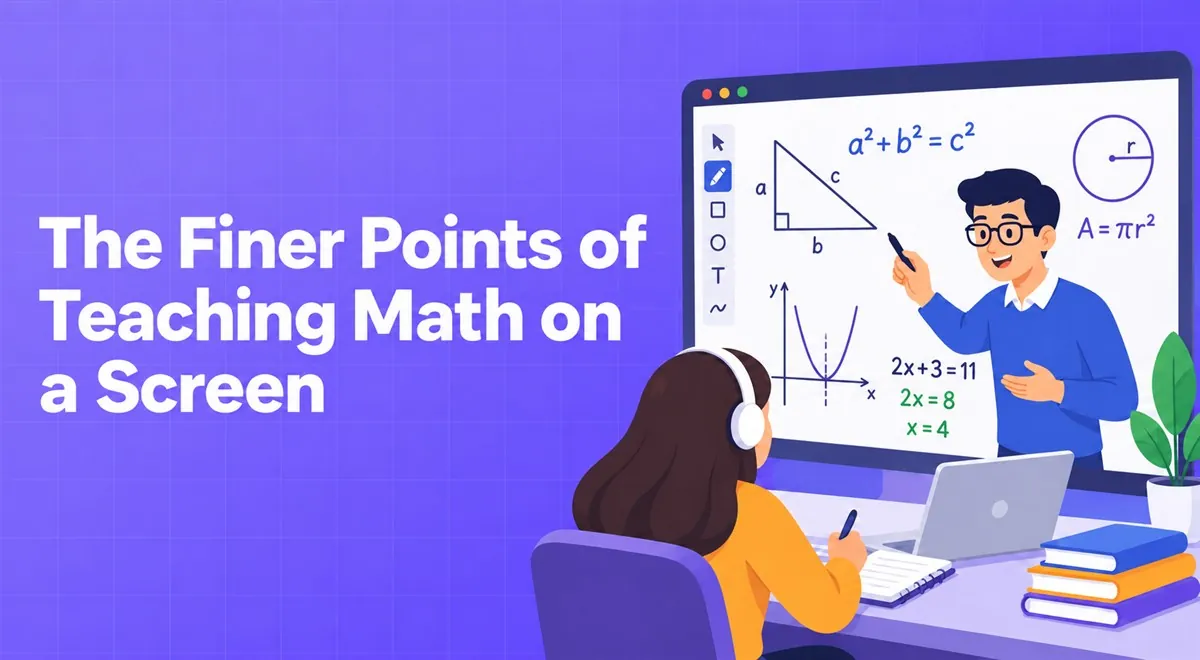
Teaching math means showing something step by step. In the classroom you write on the board, step back, and look at the student. On screen, the camera usually shows your face while the real lesson is in what you write. That's why a good writing area is as important as a good microphone.
Take the writing area seriously
There are three common methods. The first is a tablet and pen; the most natural, because it feels like real handwriting. The second is a whiteboard app; writing with a mouse is hard, but it's cheap and practical. The third is writing on paper and pointing the camera at it; this seems easiest, but the image is blurry, the light is problematic, and the student may not be able to read it.
As described on Vedubox Tutor's math teachers page, the platform has an interactive whiteboard; you can write formulas, draw graphs, and let the student write on the same board. The board being archived along with the lesson recording is also a handy detail for a student who missed the lesson.
Write step by step and think aloud
In class you explain with words and writing; combine the two on screen too. While writing an operation, say what you're doing: "Now I'm dividing both sides by 3, because I want to isolate x." Writing the solution silently and showing the result prevents the student from seeing the way of thinking.
Write legibly
Make the writing large, leave space between lines, write each step one under the other. Two or three colors are enough: one color for the main work, one for emphasis. Too many colors muddle the picture. For students with small screens (a phone or a small laptop), writing size matters even more.
Hand the pen to the student
If you always write the solution, the student remains a spectator. Saying "now you continue, I'm watching" is the most honest way to see whether the student truly understands. They may hesitate at first; start with a short, easy step, then increase the difficulty.
Don't hide mistakes
When the student takes a wrong step, saying "let's look at this step again together" instead of correcting it right away turns the mistake into a learning opportunity. Writing the mistake and crossing it out is a visual way of saying "there might be a mistake here." Mistakes aren't something to be ashamed of; they're a natural part of math.
Carry problem solving outside the lesson
Instead of spending the whole lesson on problem solving, assign homework or a short test to the student from the question pool. The platform's question pool and automatic exam feature can send questions in different combinations and score them automatically. Your lesson hour goes to understanding, and the testing load is left to the system. For more on the exam side, see the article on short quizzes.
Record the topic explanations
If you explain the same topic from scratch to every new student, recording one good video saves time. The student watches the video and prepares for the lesson, and in the lesson you focus only on the points they get stuck on. Packaging recorded topic explanations can also be an extra source of income. For how to organize and archive these videos, see our digital library article.
Quick checklist
- Is my writing area legible?
- Am I explaining every step out loud?
- Is the student writing at least once in every lesson?
- What homework goes to the student after the lesson?
Teaching math on screen can even be less tiring than in the classroom once you pick up a few habits. What matters is making the student a participant, not a spectator.
This article was prepared by the Vedubox team. For more information about Vedubox Tutor and our other products, you can visit vedubox.com.